Tech tip: Secure your mobile device

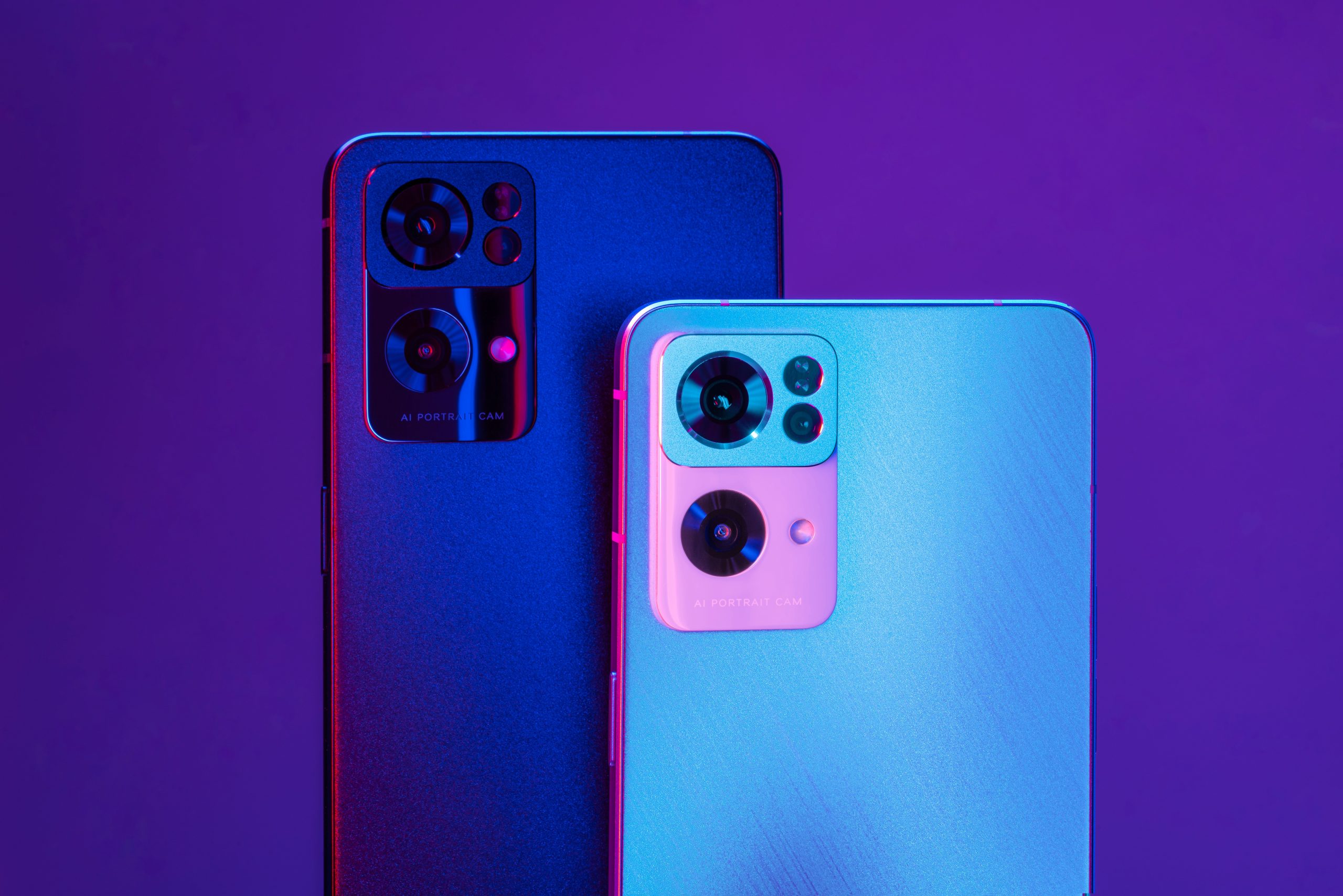
Photo by <a href="https://unsplash.com/@oppo?utm_content=creditCopyText&utm_medium=referral&utm_source=unsplash">OPPO</a> on <a href="https://unsplash.com/photos/a-close-up-of-two-cell-phones-near-one-another-c7ctGgRgAYo?utm_content=creditCopyText&utm_medium=referral&utm_source=unsplash">Unsplash</a>

Your phone is a mini-computer. Whether you’re #teamiphone#teamandroid, or anything in between, these simple tips will help keep your device secure.

1. Make sure your phone isn’t auto-connecting to random WiFi. It could be a hacker trying to scam you.
2. Always keep your phone in close proximity, and enable shorter lock screen times in case it gets too far away.
3. Pop-ups can be malicious. Exit out and close all applications.
4. Limit sensitive conversations via text.
5. Install only the apps you use, delete the rest, and only download from a trusted app store.

To maintain your devices safe, consult Tech Rockstars at techrockstars.com.

Keep Up to Date with the Most Important News

By pressing the Subscribe button, you confirm that you have read and are agreeing to our Privacy Policy and Terms of Use
Skip to content
Privacy Overview

This website uses cookies so that we can provide you with the best user experience possible. Cookie information is stored in your browser and performs functions such as recognising you when you return to our website and helping our team to understand which sections of the website you find most interesting and useful.

Essential Cookies

Essential Cookies should be enabled at all times so that we can save your preferences for cookie settings.

3rd Party Cookies

This website uses Google Analytics to collect anonymous information such as the number of visitors to the site, and the most popular pages.

Keeping this cookie enabled helps us to improve our website.