
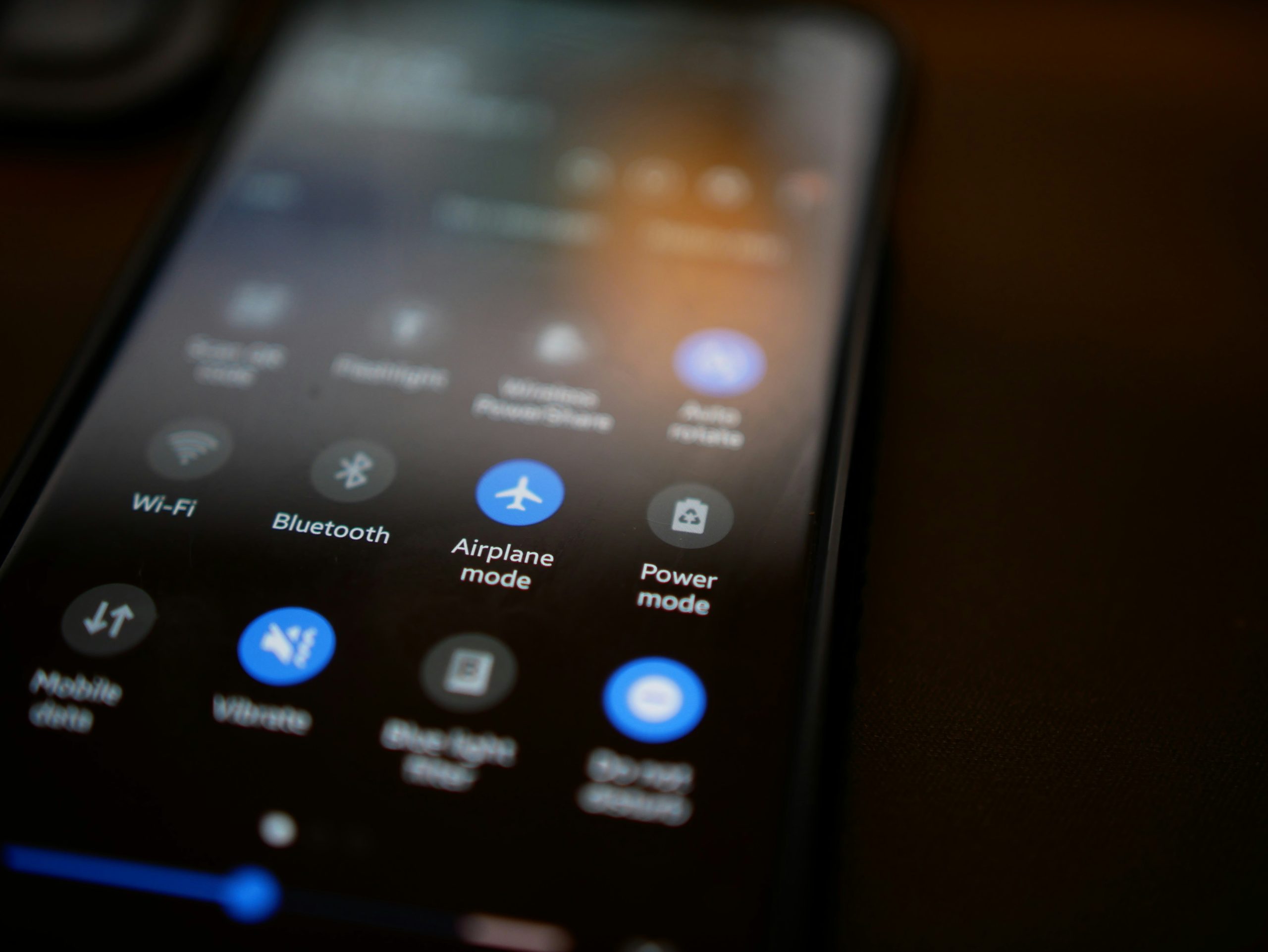
Turn your Bluetooth off when not in use

Photo by <a href="https://unsplash.com/@stenslens?utm_content=creditCopyText&utm_medium=referral&utm_source=unsplash">Sten Ritterfeld</a> on <a href="https://unsplash.com/photos/black-and-white-remote-control-jDfgqieEVJQ?utm_content=creditCopyText&utm_medium=referral&utm_source=unsplash">Unsplash</a>

When you leave your Bluetooth on, it opens up pathways for hackers to inject malicious software into your computer and access your private information.

Hackers can use Bluetooth to access your private information and spread malicious software throughout your network. Minimizing Bluetooth usage (especially while traveling) will help reduce exposure to serious vulnerabilities. Take 30 seconds, and make sure you turn Bluetooth off when you’re out and about.

Wondering if you are missing more key ways to block hackers from getting into your network? Tech Rockstars will do an assessment of your security system and let you know if and where hackers could creep in and what to do about it. Get in touch at https://smpl.is/99cru.


Keep Up to Date with the Most Important News

By pressing the Subscribe button, you confirm that you have read and are agreeing to our Privacy Policy and Terms of Use
Skip to content
Privacy Overview

This website uses cookies so that we can provide you with the best user experience possible. Cookie information is stored in your browser and performs functions such as recognising you when you return to our website and helping our team to understand which sections of the website you find most interesting and useful.

Essential Cookies

Essential Cookies should be enabled at all times so that we can save your preferences for cookie settings.

3rd Party Cookies

This website uses Google Analytics to collect anonymous information such as the number of visitors to the site, and the most popular pages.

Keeping this cookie enabled helps us to improve our website.